Configure member roles
There are three predefined roles available for organization members:
- Owner: Has full access to all organization settings, including member management and billing.
- The Owner can delete the organization or transfer their ownership to another VisionCloud user.
- They can also create and manage projects, as well as grant project access to other users.
- Administrator: Has the same access as the Owner, except they cannot delete or transfer the organization.
- Like the Owner, they can create and manage projects and grant project access to other members.
- Member: – Can only access projects to which they are invited and may perform actions according to their project role.
Their role can be changed in the members list.
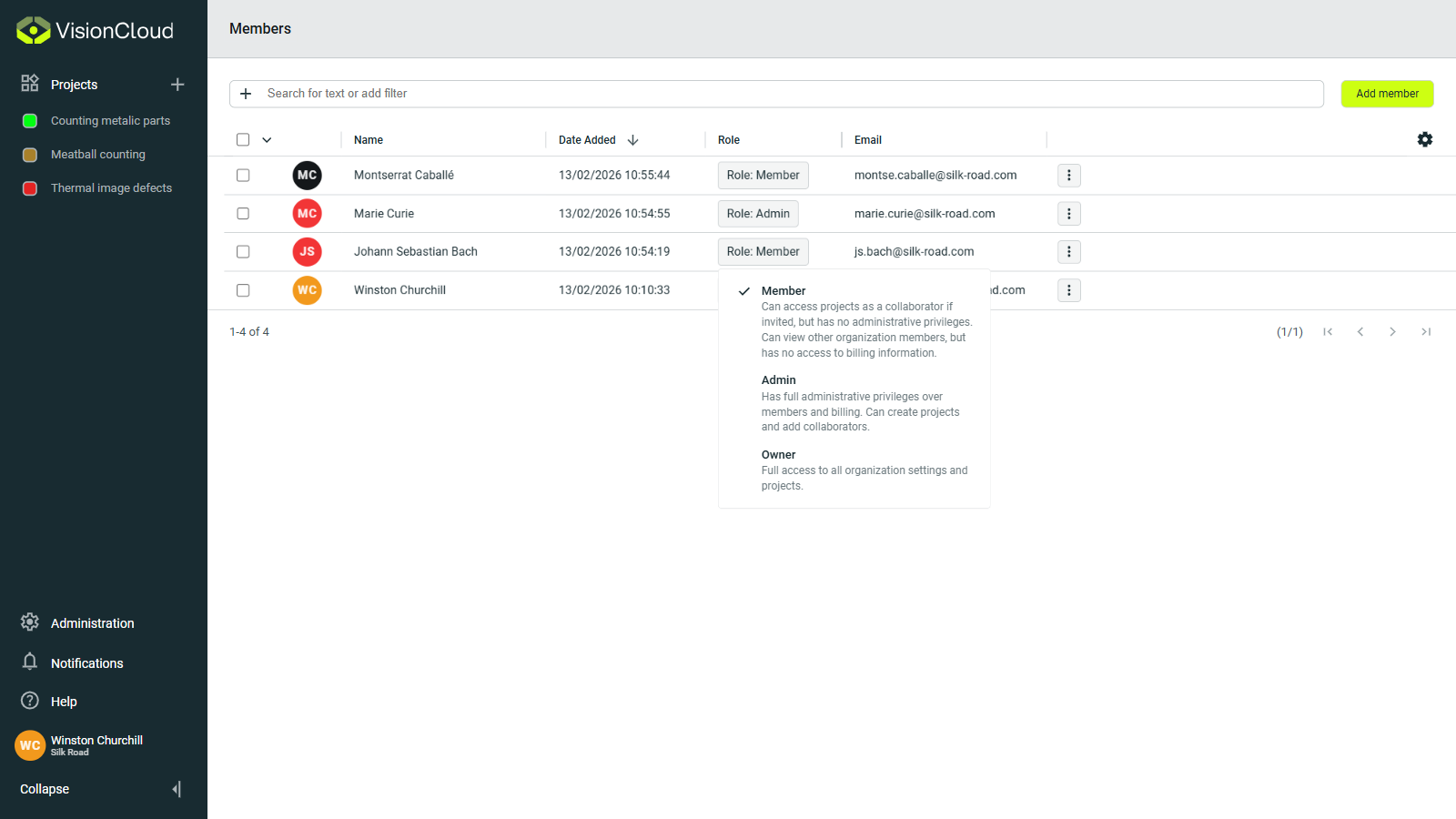
You can easily change a member’s role by clicking the role button in their respective row. In the selector that appears, choose the new role for the member.
info
You can only assign roles up to your own level. For example, if you are an administrator, you may grant another user the administrator role, but you cannot assign the owner role.