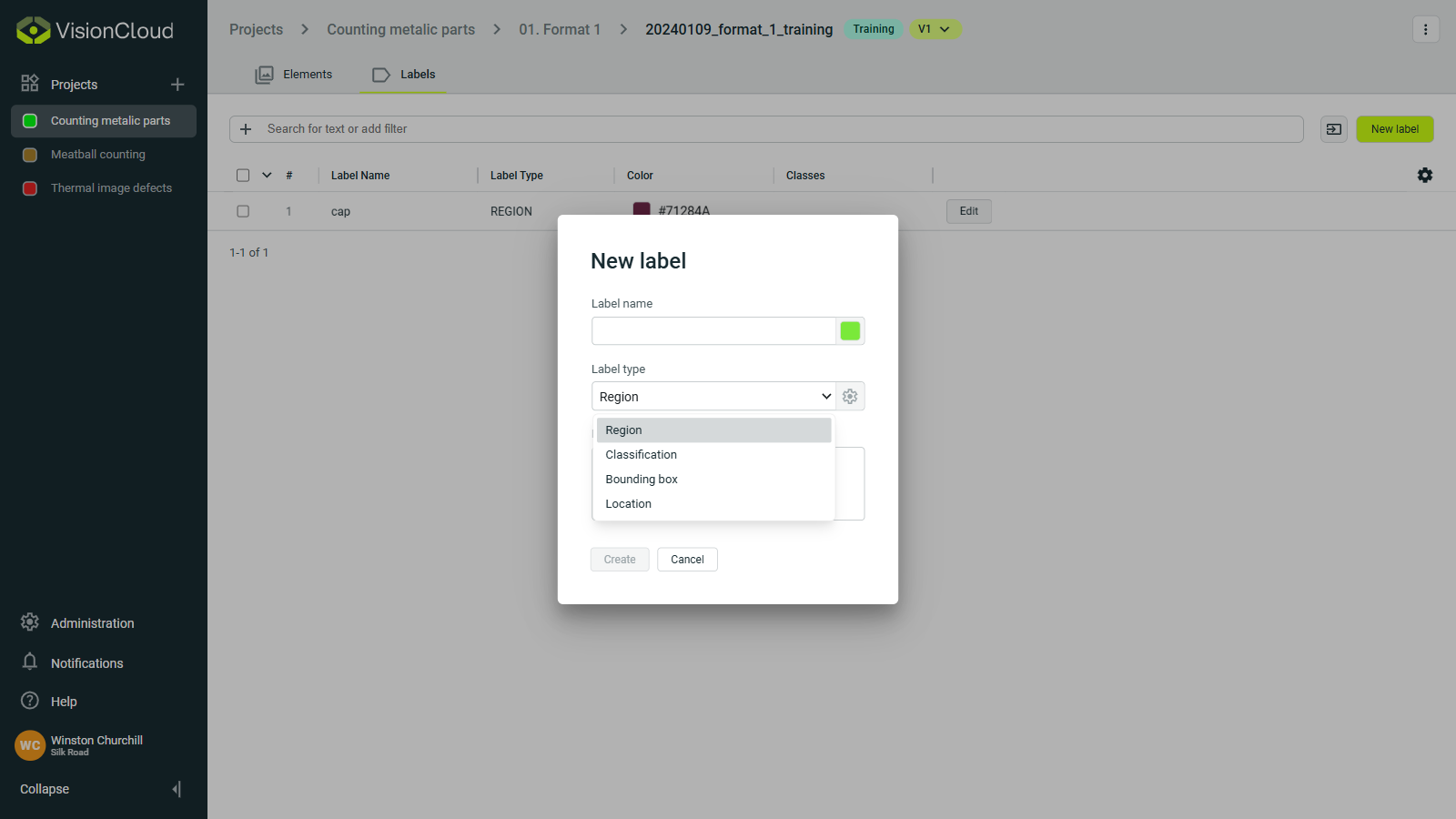
Setup labels
Inside a dataset if you go to the Labels tab, you can configure labels to categorize and annotate your data effectively.
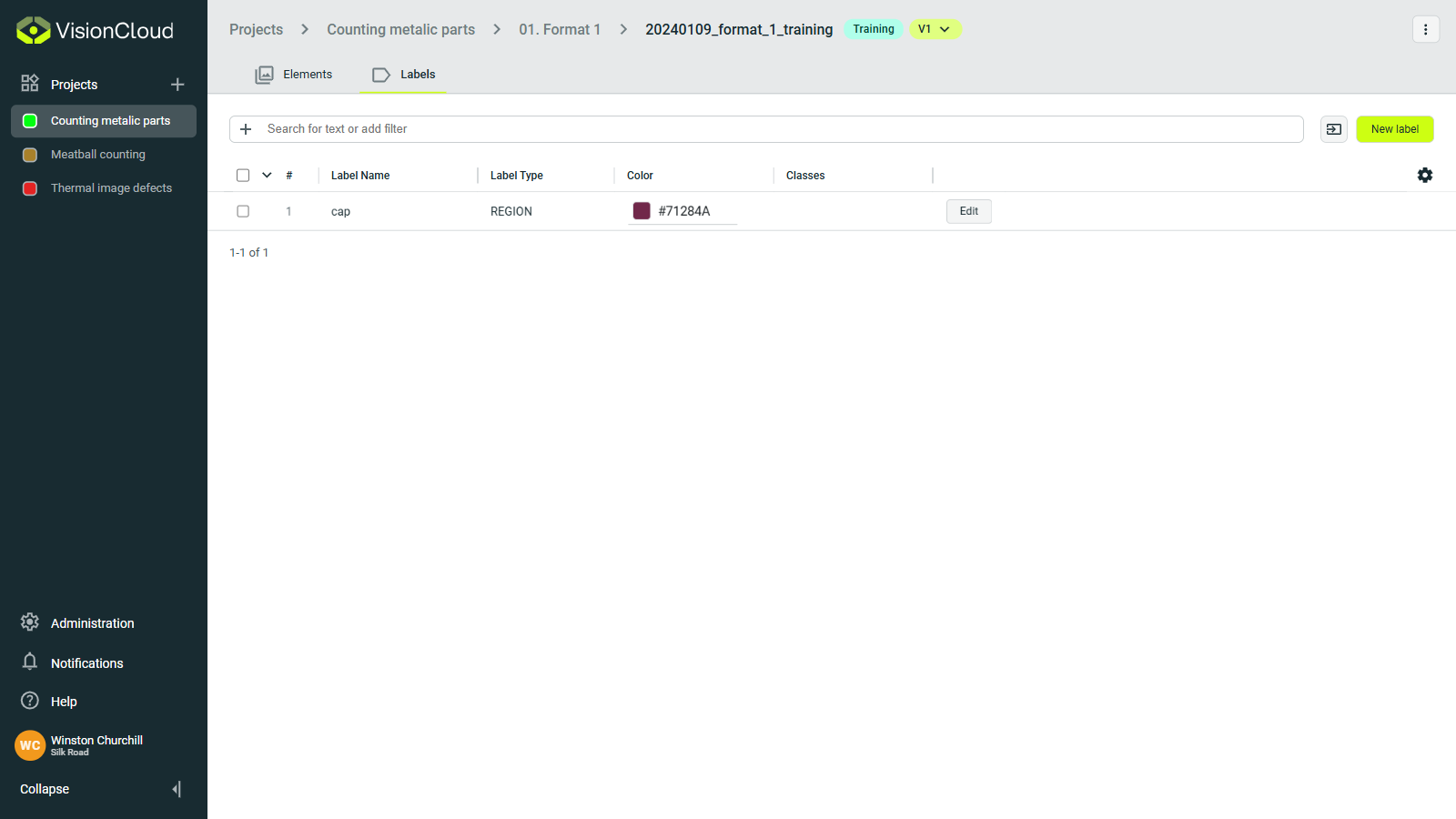
Label management
In the labels section, you can manage your annotation categories:
- Create labels: Define new annotation categories, using the
New labelbutton. - Import labels: Import labels from other datasets, available through the button next to the
New labelbutton. - Edit labels: Modify existing label properties, by clicking the
Editbutton within their row. - Delete labels: Remove unused or incorrect labels, by clicking the
Editbutton within their row.
Label types
VisionCloud supports multiple label types for different annotation needs:
- Bounding box: Rectangular regions around objects.
- Region: Multi-point shapes for irregular objects.
- Classification: Simple category assignment for whole images.
- Location: Precise object locations with sub-pixel accuracy.