Create a Project
To create your own project, click Project in the topbar and then click New Project.
A dialog will show where you can enter the name of your project (for example quickstart_ov), author (you or your company) and a description (optional).
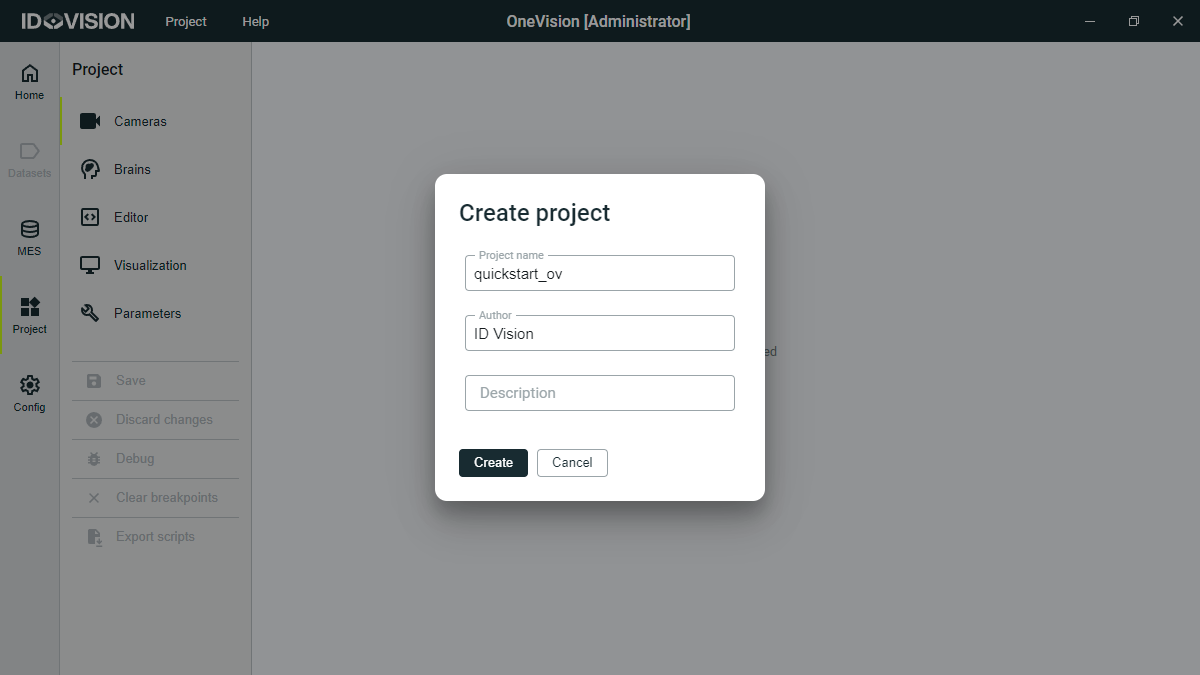
Once you have created the project, the name of the project will appear in the top bar.
Now let's start adding elements to the project.