Uploading images
Upload options
Once a dataset is created click on it to open the specific dataset page.
To upload images to the dataset, click on the Add images option in the dataset options. You can upload images from your local computer or by dragging and dropping them into the drop zone or by clicking the Browse files button to select files.
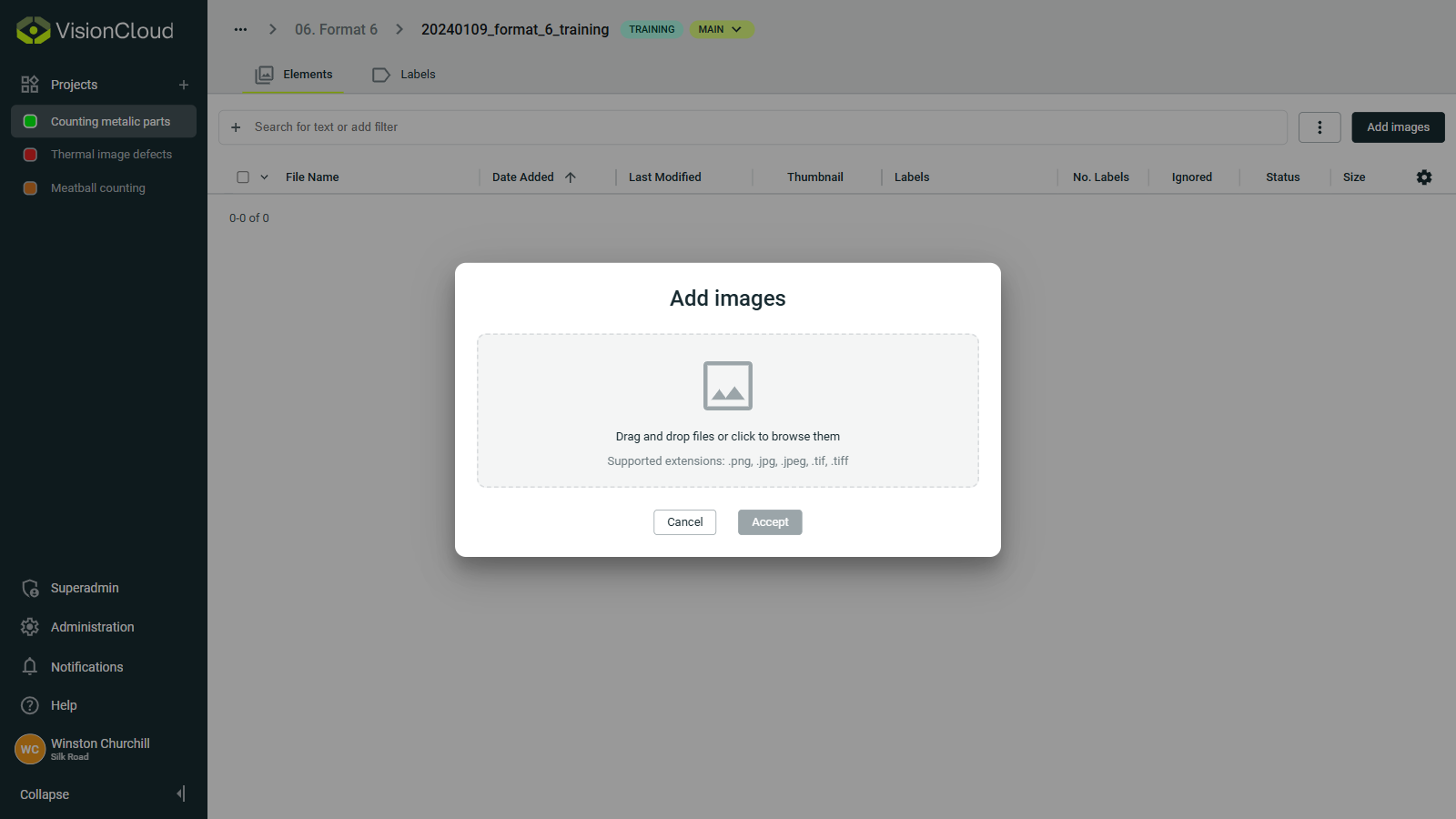
You can also upload labeled images by clicking on the ⋮ button right next to Add Images and then selecting Add labeled images.
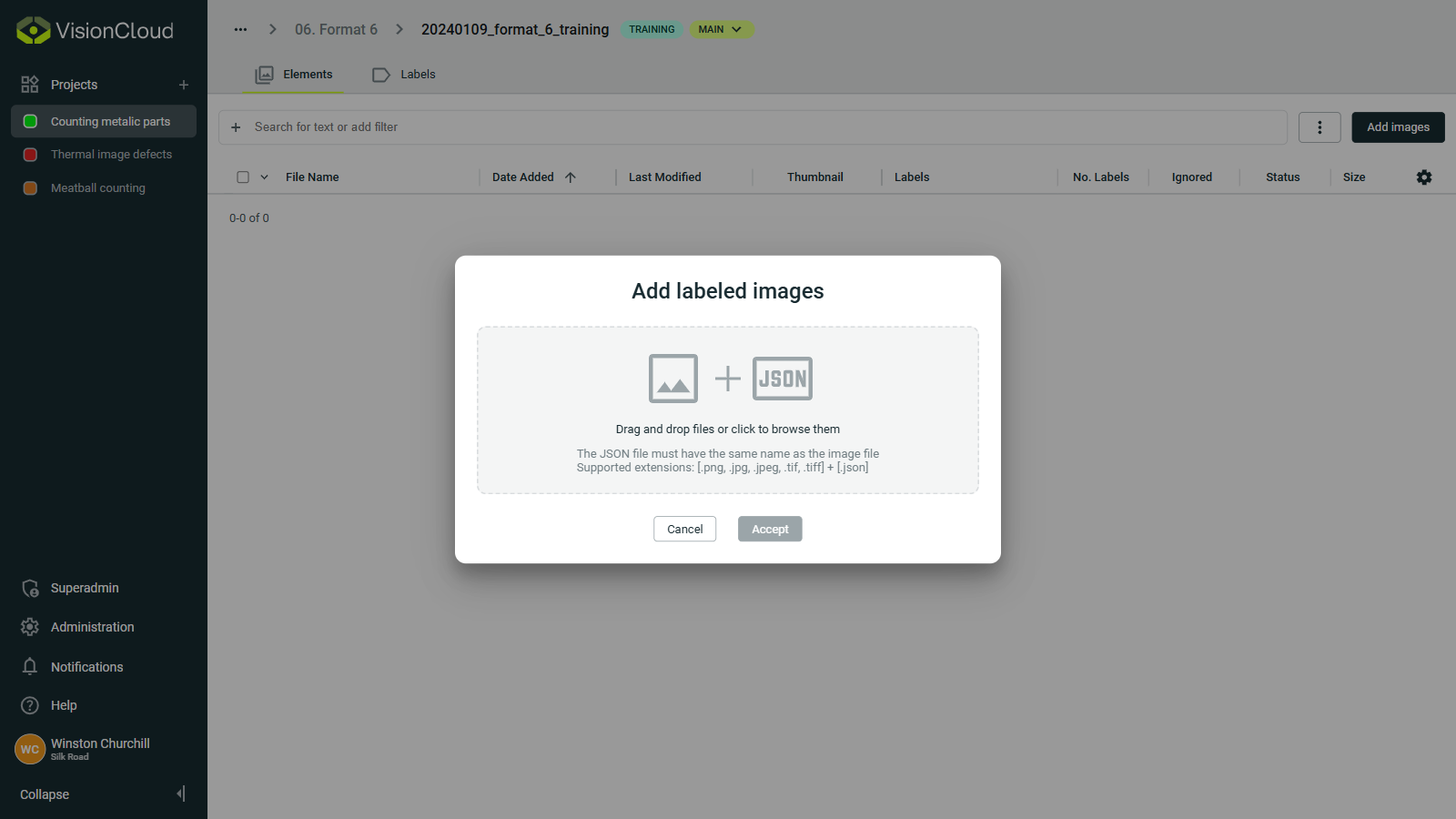
Uploading labeled images requires a JSON file with same name as the image file containing the labels. For example: metalParts1.png must have a JSON file with name metalParts1.json.
Supported file formats
The following formats are officially supported in VisionCloud:
| Usage | Format | Extensions |
|---|---|---|
| Image file | PNG | .png |
| JPEG | .jpg, .jpeg | |
| TIFF | .tif, .tiff | |
| Label file | JSON | .json |
Importing labeled images
To import labeled images, you need to upload:
The image file in one of the supported formats.
A JSON file containing the labels.
JSON file structure
The JSON file can contain multiple types of labels. The following two formats are officially supported: the exported format from VisionCloud and the exported format from OneVision.
VisionCloud format
{
    "visionElements": {
        "myRegionLabel": {
            "1498fff6-a41b-4904-b97e-fd67784c0b72": {
                "id": 0,
                "name": "myRegionLabel",
                "type": 104,
                "angle": 0,
                "color": "#80468A",
                "centerX": 264.2118998782735,
                "centerY": 163.3617167405679,
                "parentId": 0,
                "diameterA": 100,
                "diameterB": 100,
                "description": ""
            },
            "23f56e86-c53e-4fc0-af21-99b98534d298": {
                "id": 0,
                "name": "myRegionLabel",
                "type": 105,
                "color": "#1fad14",
                "closed": true,
                "filled": true,
                "points": [
                    {
                        "x": 482.01786767770585,
                        "y": 288.06426680261023
                    },
                    {
                        "x": 485.65022723753,
                        "y": 311.67460394146724
                    }...
                ],
                "parentId": 0,
                "description": ""
            },
            "5d8f525c-f2a7-4c22-94d1-b326fa4b5ad8": {
                "id": 0,
                "name": "myRegionLabel",
                "type": 103,
                "angle": 0,
                "color": "#80468A",
                "width": 77.19718309859152,
                "height": 115.7957746478873,
                "centerX": 249.91612523038623,
                "centerY": 365.6469280081735,
                "parentId": 0,
                "description": ""
            }

        },
        "myClassLabel": {
            "c0486ac9-6a9d-4fed-ae58-896730eacc7d": {
                "id": 0,
                "name": "myClassLabel",
                "type": 3,
                "color": "#CCBE29",
                "value": "class1",
                "fontSize": 6,
                "parentId": 0,
                "hAlignment": 1,
                "hAnchorPos": 1,
                "vAlignment": 1,
                "vAnchorPos": 1,
                "description": ""
            }
        }
    },
    "labels": []
}
OneVision format
{
  "myBoundingBoxLabel": [
    {
      "angle": 0.0,
      "centerX": 800.0,
      "centerY": 1000.0,
      "color": "#ffff00",
      "description": "",
      "height": 10.0,
      "id": 10,
      "name": "bboxRect2D",
      "parentId": 0,
      "type": 103,
      "width": 50.0
    }
  ],
  "myClassLabel": [
    {
      "anchorAngle": 0.0,
      "color": "#ff8888",
      "description": "",
      "fontSize": 12,
      "hAlignment": 0,
      "hAnchorPos": 0,
      "id": 9,
      "name": "class",
      "parentId": 0,
      "type": 3,
      "vAlignment": 0,
      "vAnchorPos": 0,
      "value": "class1"
    }
  ],
  "myLocationLabel": [
    {
      "color": "#ff0000",
      "description": "",
      "id": 11,
      "name": "punt2D",
      "parentId": 0,
      "type": 100,
      "x": 1224.0,
      "y": 1024.0
    },
  ],
  "myPathLabel": [
    {
      "closed": true,
      "color": "#00ffff",
      "description": "",
      "filled": false,
      "id": 16,
      "name": "locationPath2D",
      "parentId": 0,
      "points": [
        {
          "x": 1200.0,
          "y": 1200.0
        },
        {
          "x": 2000.0,
          "y": 2000.0
        }...
      ],
      "type": 105
    },
  ],
  "myEllipseLabel": [
    {
      "angle": 0.0,
      "centerX": 1200.0,
      "centerY": 1000.0,
      "color": "#8888ff",
      "description": "",
      "diameterA": 500.0,
      "diameterB": 250.0,
      "id": 18,
      "name": "locationEllipse2d",
      "parentId": 0,
      "type": 104
    }
  ],
}
Key fields explained
visionElements: contains all labels. (only for VisionCloud format)
Label name (e.g., myClassLabel, myLocationLabel): the label's name.
UUID key: unique identifier for each label object. (only for VisionCloud format)
id: numeric ID.
name : label object name.
type: label object type:
Types of labels3→ String → Text-based label100→ Point2d → Single point in 2D space103→ Rect2d → Rectangle defined by center point, width, height, and angle104→ Ellipse2d → Ellipse defined by center, diameters, and rotation angle105→ Path2d → Series of 2D points forming an open or closed path
Common fields for all types
- color: color shown in the UI.
- parentId: reference to a parent element (0 if none).
- description: optional description.
String (type: 3)
- value: assigned text.
- fontSize: size of the text.
- hAlignment / vAlignment: horizontal/vertical alignment.
- hAnchorPos / vAnchorPos: anchor positions.
Point2d (type: 100)
- x: horizontal coordinate of the point.
- y: vertical coordinate of the point.
Rect2d (type: 103)
- centerX / centerY: center coordinates.
- width / height: dimensions.
- angle: rotation angle (if any).
Ellipse2d (type: 104)
- centerX / centerY: center coordinates.
- diameterA / diameterB: radii along X and Y axes.
- angle: rotation angle (if any).
Path2d (type: 105)
- points: array of {x, y} coordinates defining vertices.
- closed: whether polygon is closed (true/false).
- filled: whether polygon is filled (true/false).
labels — optional array for additional metadata. (only for VisionCloud format)
Matching labels
In order to match the labels in the JSON file with the one's configured in VisionCloud we have to take the following points in consideration:
- The label's name from the JSON needs to match the label's name configured in VisionCloud, otherwise the label objects within that label won't be tied to any label.
- The label's object types from the JSON need to, if its label is matched with one from Visioncloud, be supported by the matched label's supported types:
| Label type | Vision element types | Vision element types codes |
|---|---|---|
| Bounding Box | Rect2d | 103 |
| Region | Ellipse2d, Path2d, Rect2d | 104, 105, 103 |
| Classification | String | 3 |
| Location | Ellipse2d, Path2d, Point2d, Rect2d | 104, 105, 100, 103 |