Setting up your profile
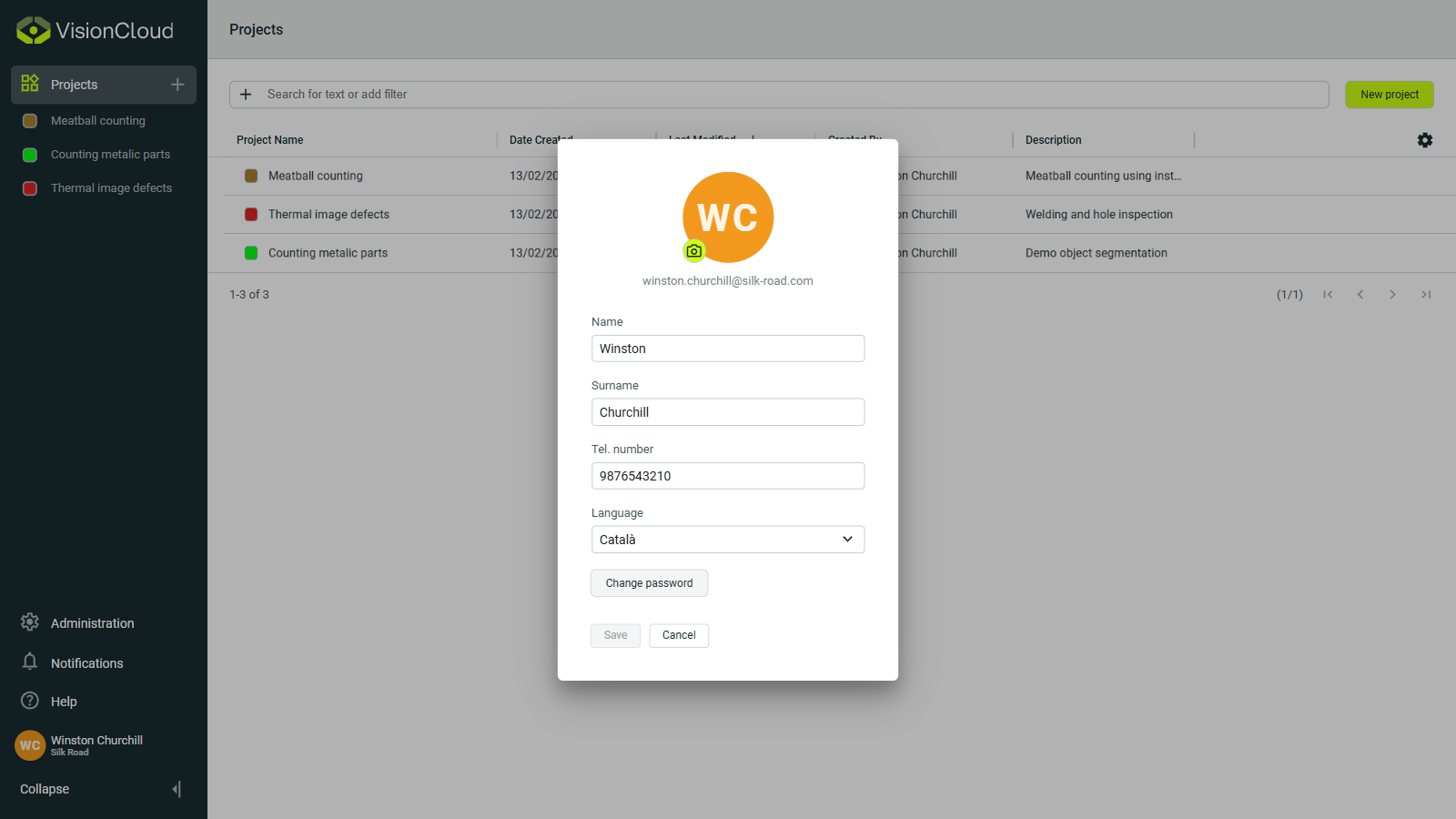
After logging into VisionCloud, you can customize your profile settings to personalize your experience and manage your account information.
Profile information
In the profile section, you can update:
- Profile picture: Upload or change your profile avatar that appears throughout the platform.
- Personal details: Edit your name, contact and other information.
Click on Save to apply any changes you make to your profile.
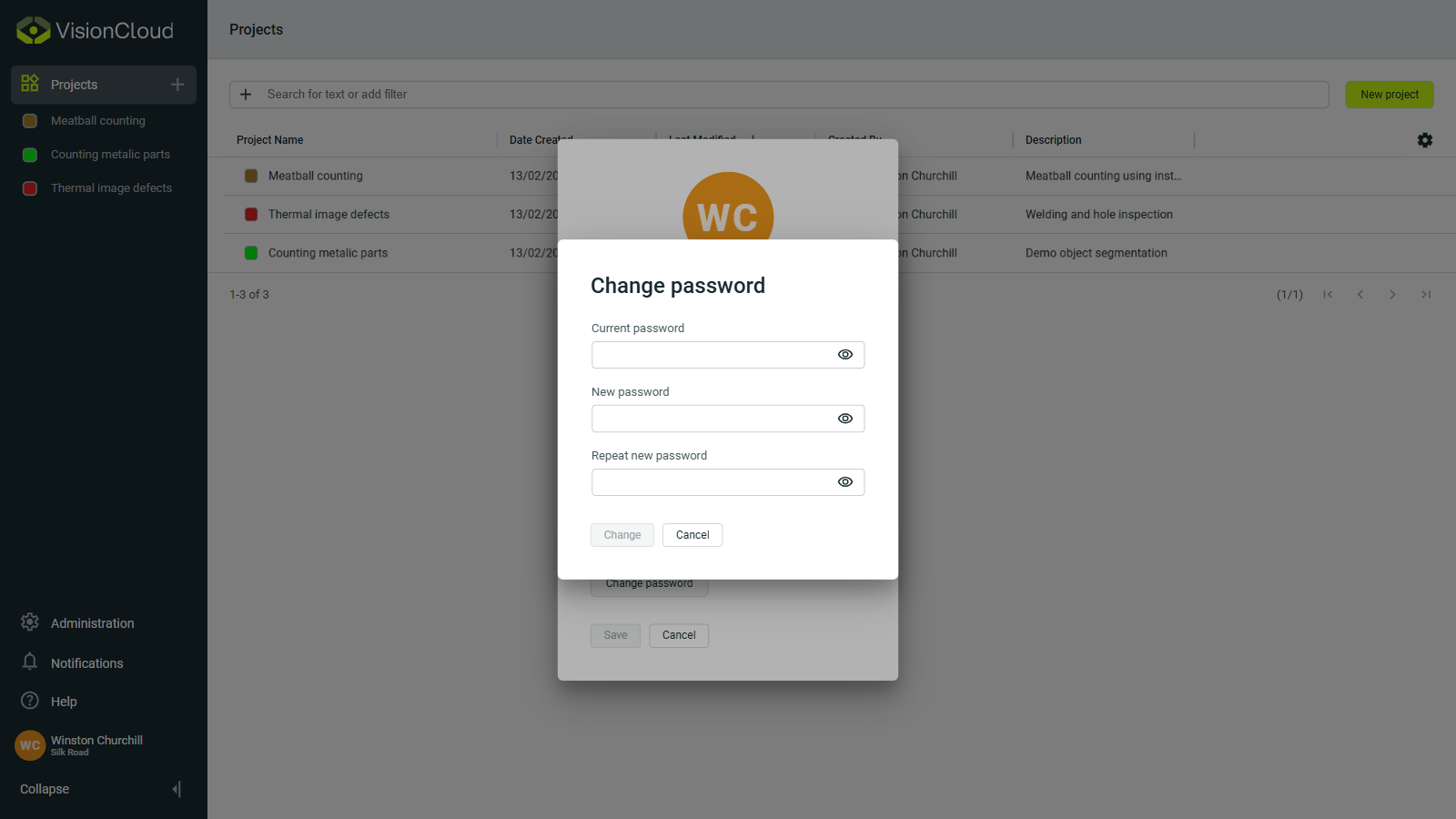
Changing your password
To change your password click on the Change password button in the profile section. You will be prompted to enter your current password and then set a new password.