Configure a project
Project settings
You can access the settings of a project by navigating to the Settings section within the project view. Here, you can manage various aspects of your project, including its name, description, and other configurations.
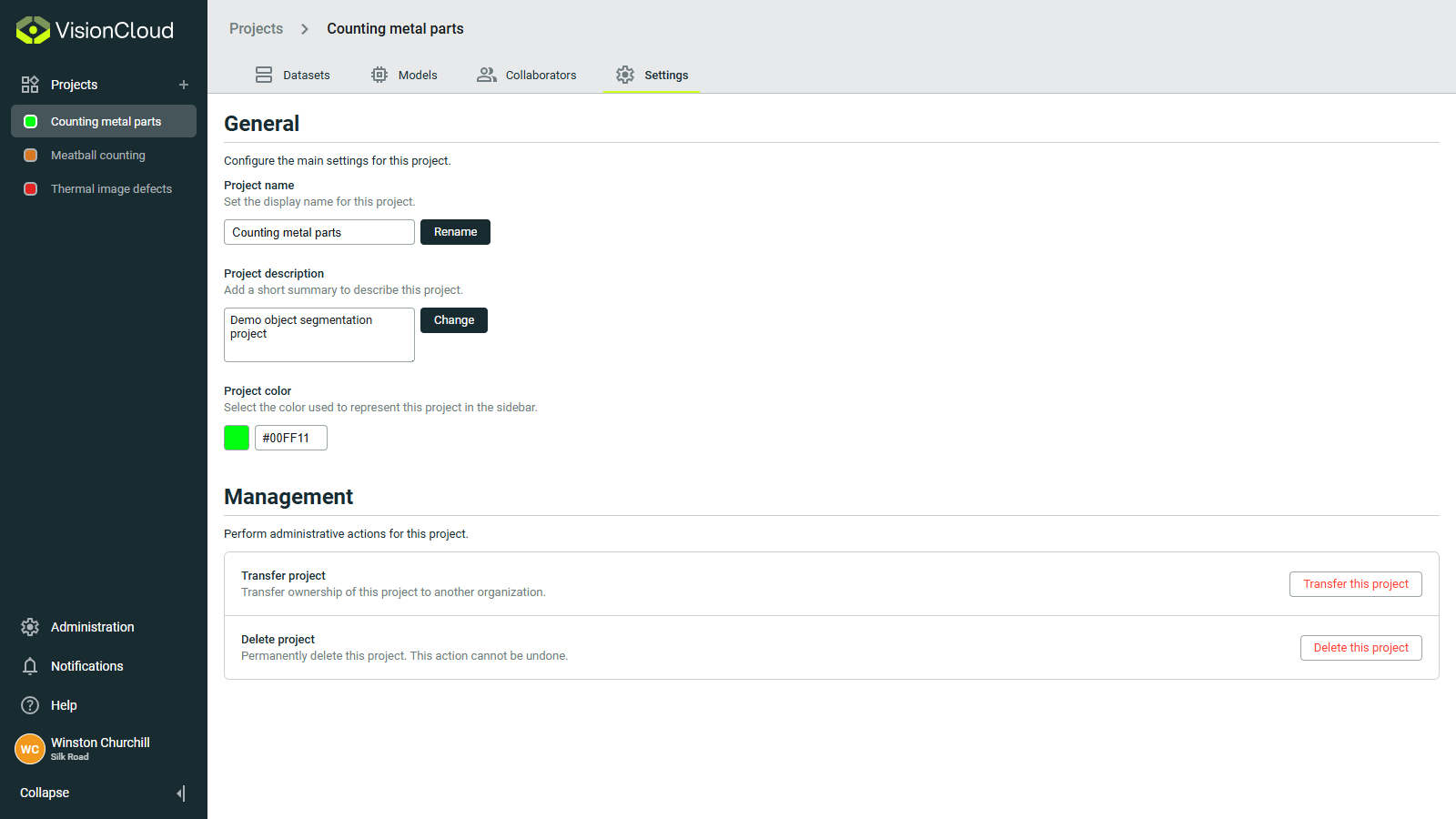
General settings
In the General section, you can modify the following settings:
- Project Name: Change the name of your project.
- Description: Update the description to provide more context about your project.
- Project color: Select a color to represent your project visually in the projects navigation sidebar.
Management settings
The Management section allows you to perform administrative tasks such as:
- Transfer Project: Move the project to a different organization.
- Delete Project: Permanently remove the project and all its associated data. Be cautious when using this option, as it cannot be undone.