Manual Camera Control
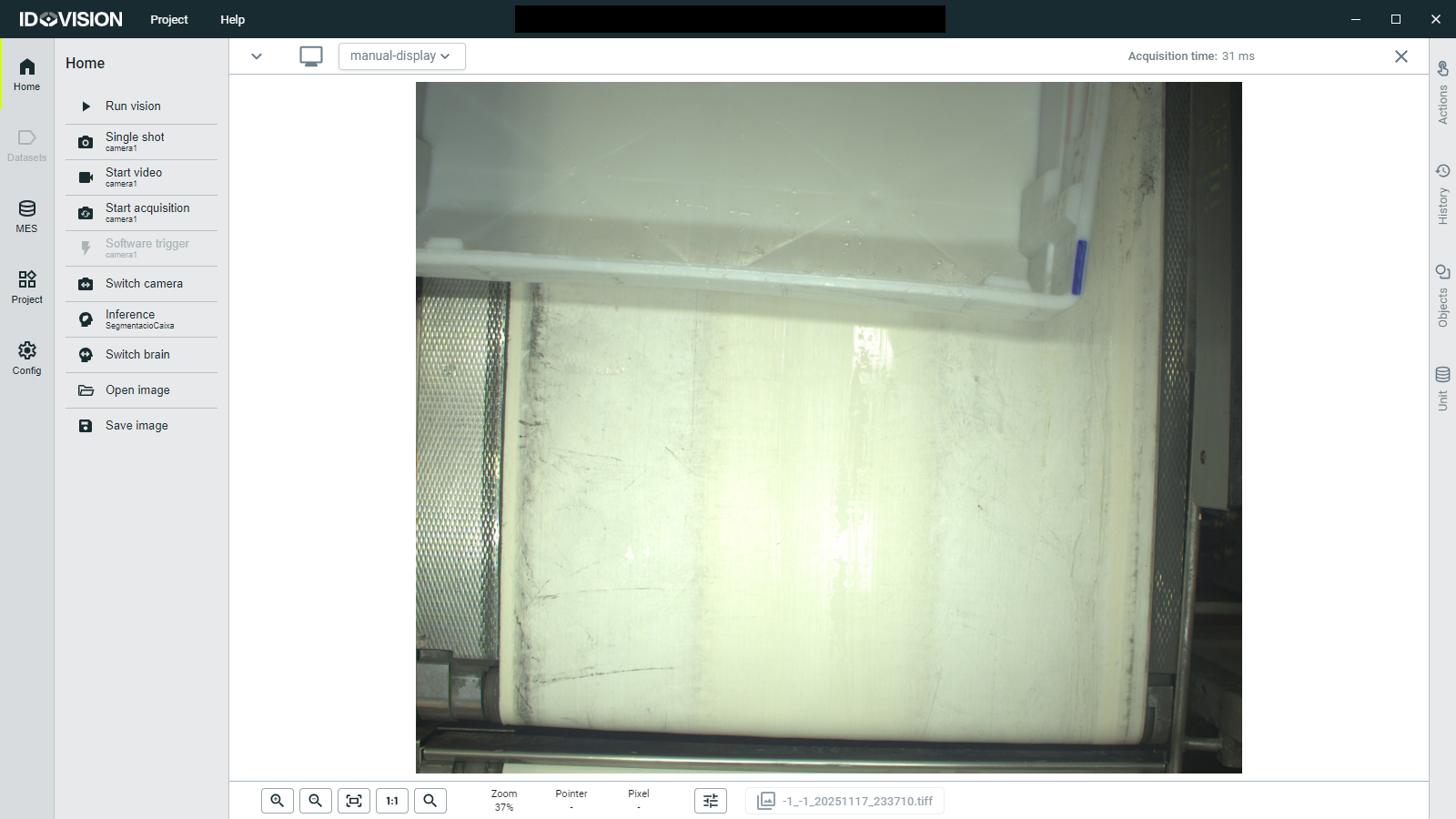
In the Home section you will be able to manually trigger the camera and see the images captured by it. On the left menu you will see the actions available:
- Single shot: Triggers a single image capture from the configured camera.
- Start video: Begins streaming video from the camera.
- Start acquisition: Initiates continuous image acquisition from the camera.
- Software trigger: Sends a software trigger to the camera if supported. This action is available when the camera is actively acquiring images.
- Switch camera: Allows switching between different configured cameras. This action is available when multiple cameras are configured.