Import AI Models
Once your brain is added, a new tab will be created. Inside it there will be two sub-tabs: model selection and configuration.
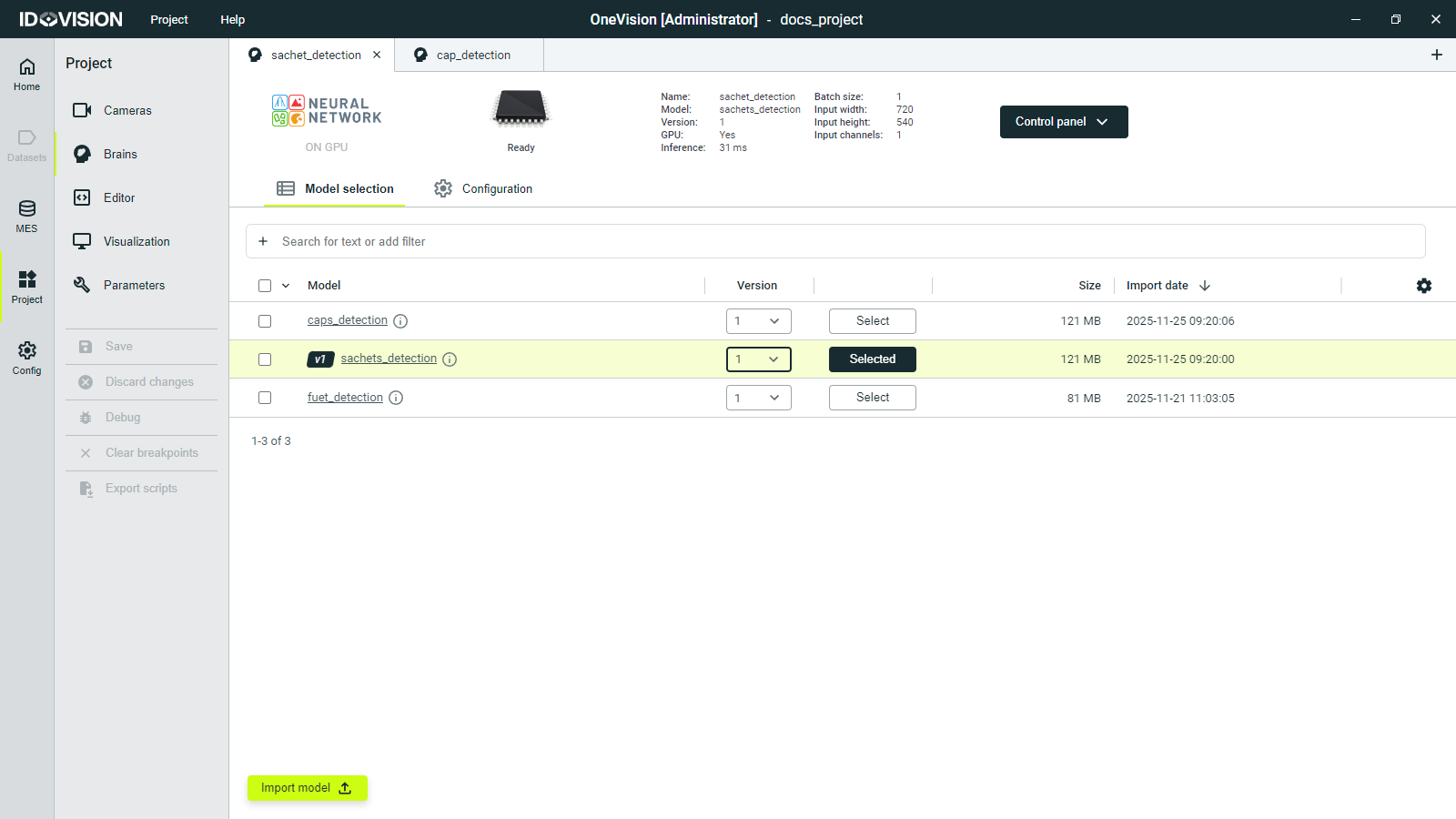
In model selection, you can choose the AI model that the Brain will execute. Before selecting a model, you must import it. To do this, click the Import button at the bottom of the screen and select an AI model file. These files use the .itsbrain extension.
Once you AI model is imported, select the version, click the Select button and save the changes. Then the brain status will change from Not Initialized to Ready.
Model definition
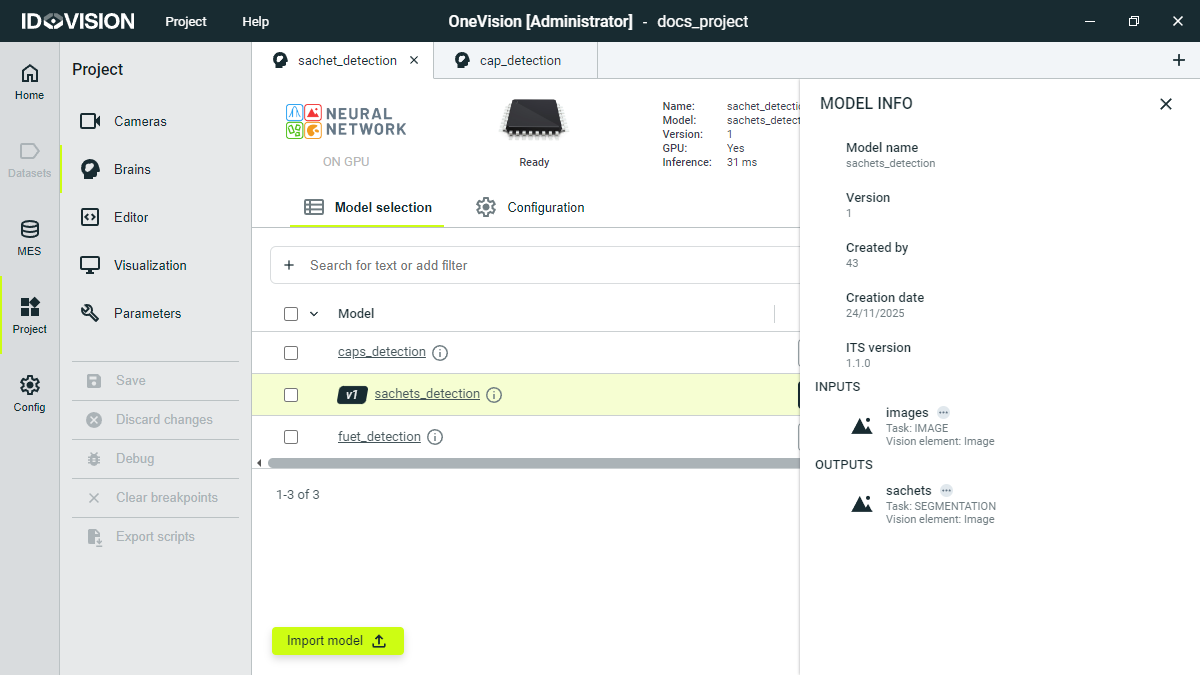
By clicking the i button next to the model name, a side menu will appear showing useful information about the model, such as its inputs and outputs.