Create Scripts
In the Editor section, inside the Projects menu, there are the following subsections:
- Scripts: the list of the scripts in the project.
- Actions: a list of runtime variables that can be modified during runtime via a side-panel. Read more
- Results: a list of the Unit Results. Read more
The vision application in OneVision is designed by creating scripts. These scripts are written in OneVision language, a scripting language that is based on Typescript.
We do not cover here the specifics of the programming language itself. For information about the language and API, please refer to Programming Guide.
Add a script
To add a script, go to Editor in the Project menu, click Scripts, and then click on the + button in the top-right corner of the screen. The next dialog will appear:
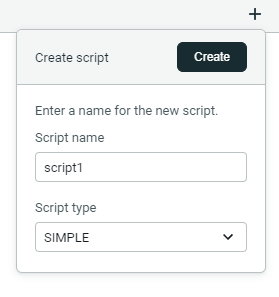
Select the script name and the script type, click Create and a new tab will appear for your script.
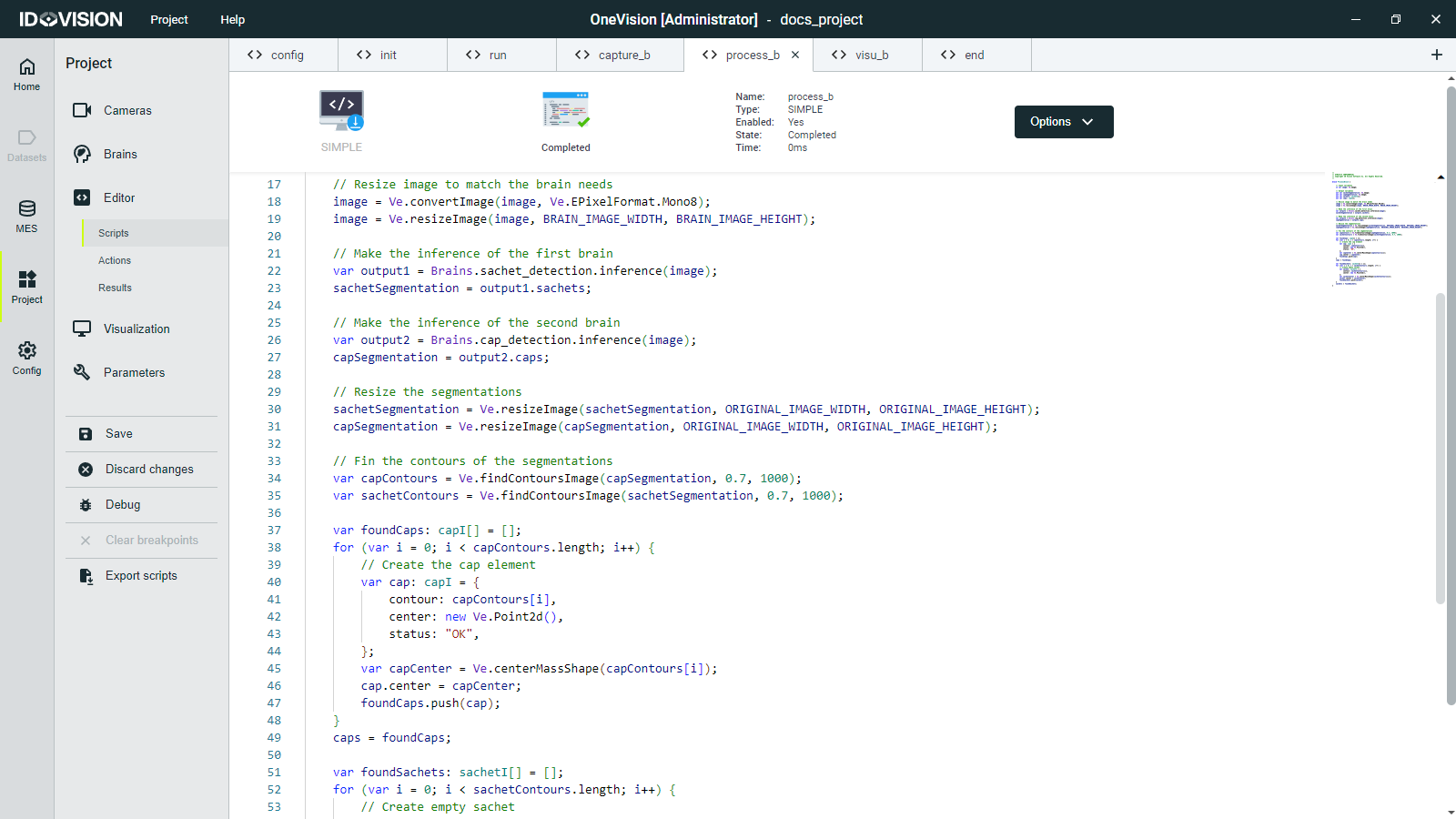
The script types available are:
- SIMPLE: It is executed once when the program starts and then it is finished.
- CYCLIC: It is executed continuously, once finished it is executed again.
- INIT: It is executed once when the program starts, before any other sequence execute.
- END: It is executed once when the program is stopped, after other sequences have ended.
Disable a script
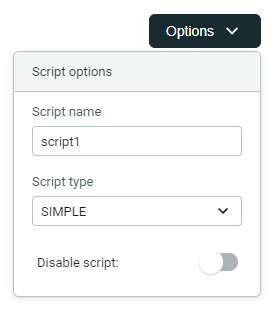
You can disable a script by clicking Disable in the options menu of the script tab.