Software Settings
In the Settings subsection, inside the Config section, you can modify the settings for different parts of the software.
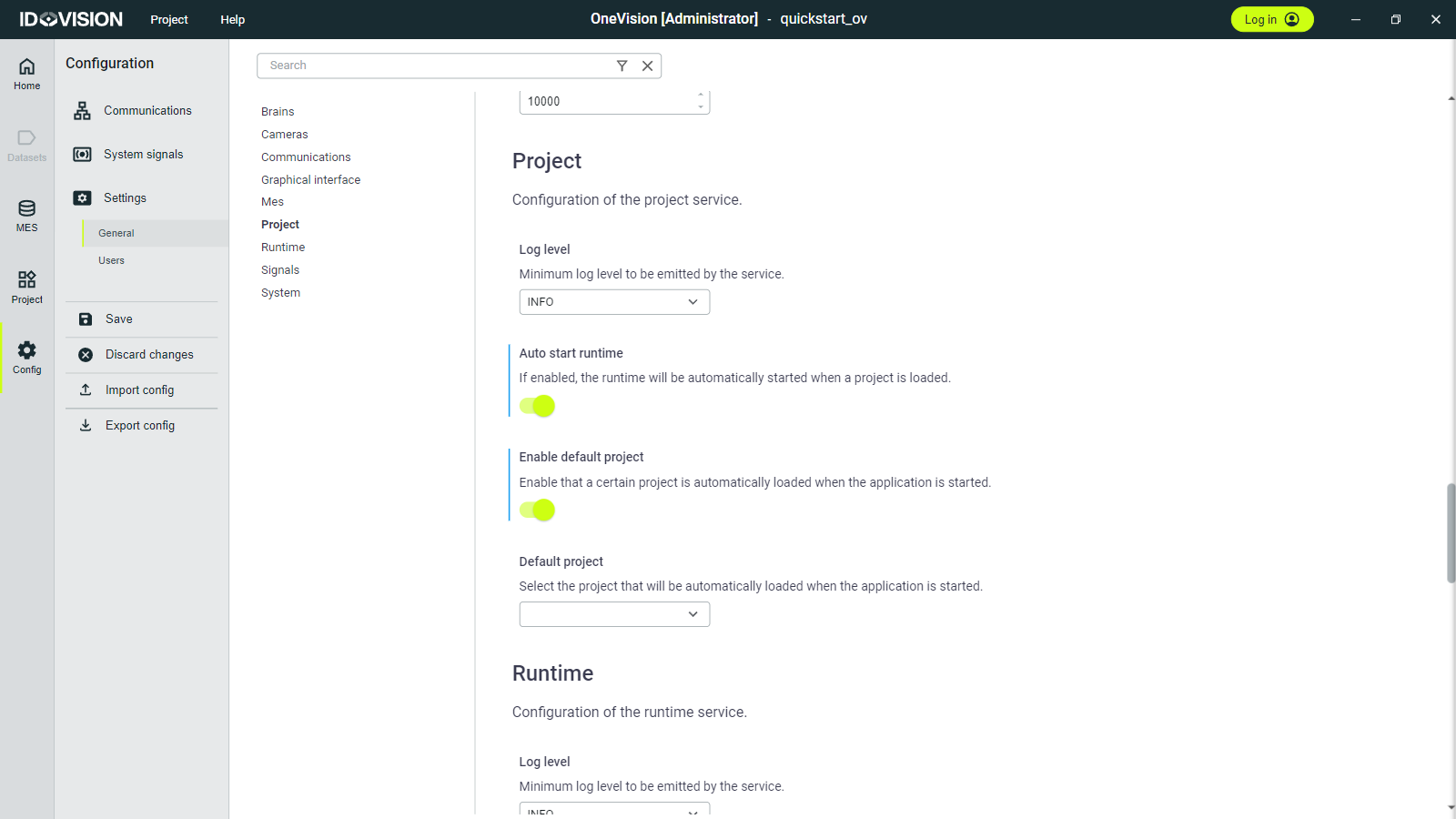
Here are some relevant things you can change:
In Brains, you can configure the GPU for maximum performance and low latency (requires administrator privileges).
In MES, you can activate or deactivate the MES (Manufacturing Execution System), change the folder where the data is stored and adjust the limit on how much data can be stored.
In Project, you can automatically start the runtime when a project is loaded with the
Auto start runtimeoption, and automatically load a project when OneVision is launched with theEnable default projectoption.In System, with the
Launch on startupoption, you can automatically launch OneVision when the operating system is started, and withLaunch on backgroundit will automatically be launched in the background.