Add datasets
Managing datasets
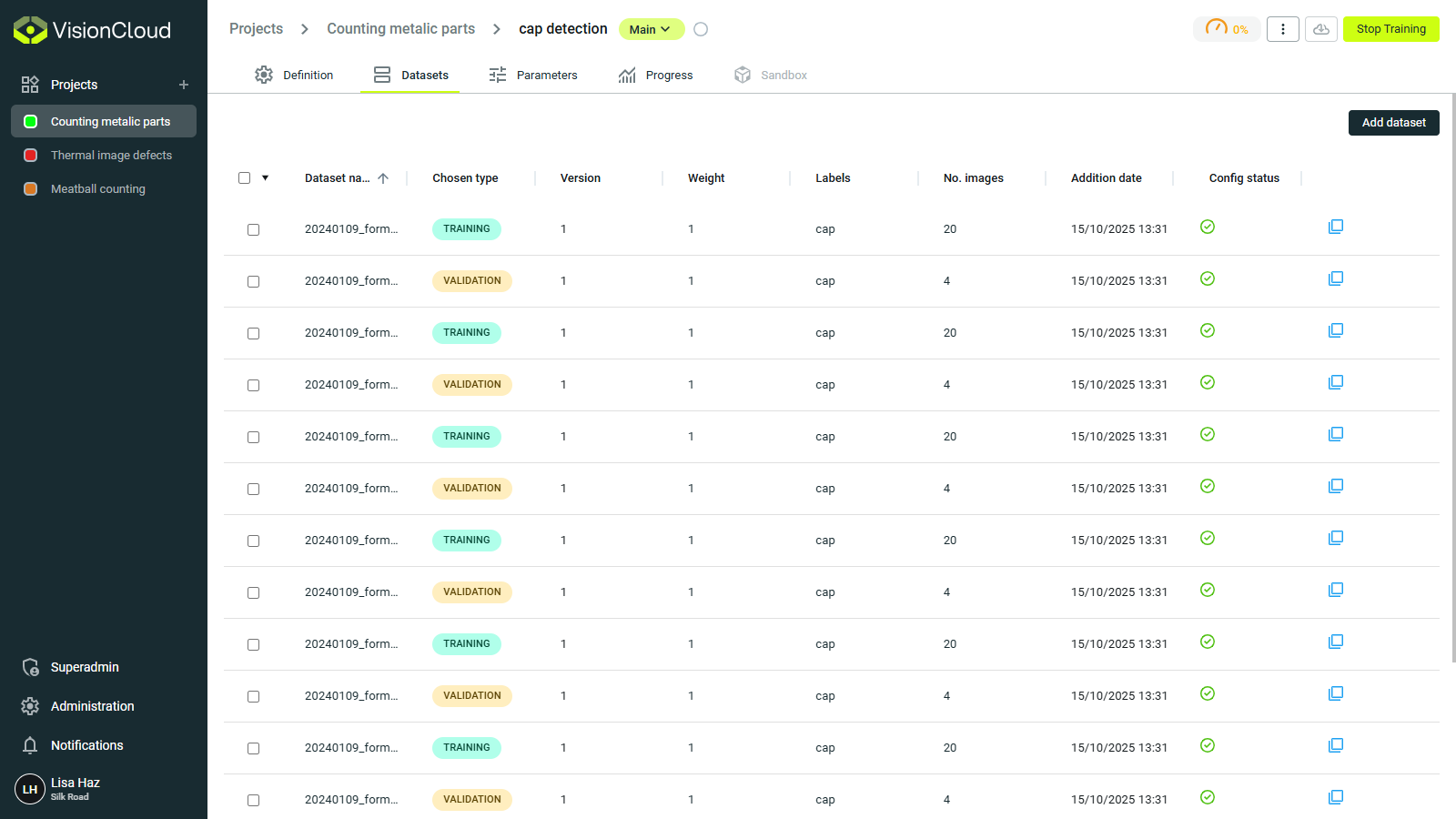
Once a model is created and its definition set, the next step is to link datasets for training and validation.
In the Datasets tab, data is brought into the training pipeline.
You can:
- Attach a new dataset from your project.
- Edit or remove datasets that are already linked to the model.
note
To start training, at least one training dataset and one validation dataset must be attached.
Add a dataset
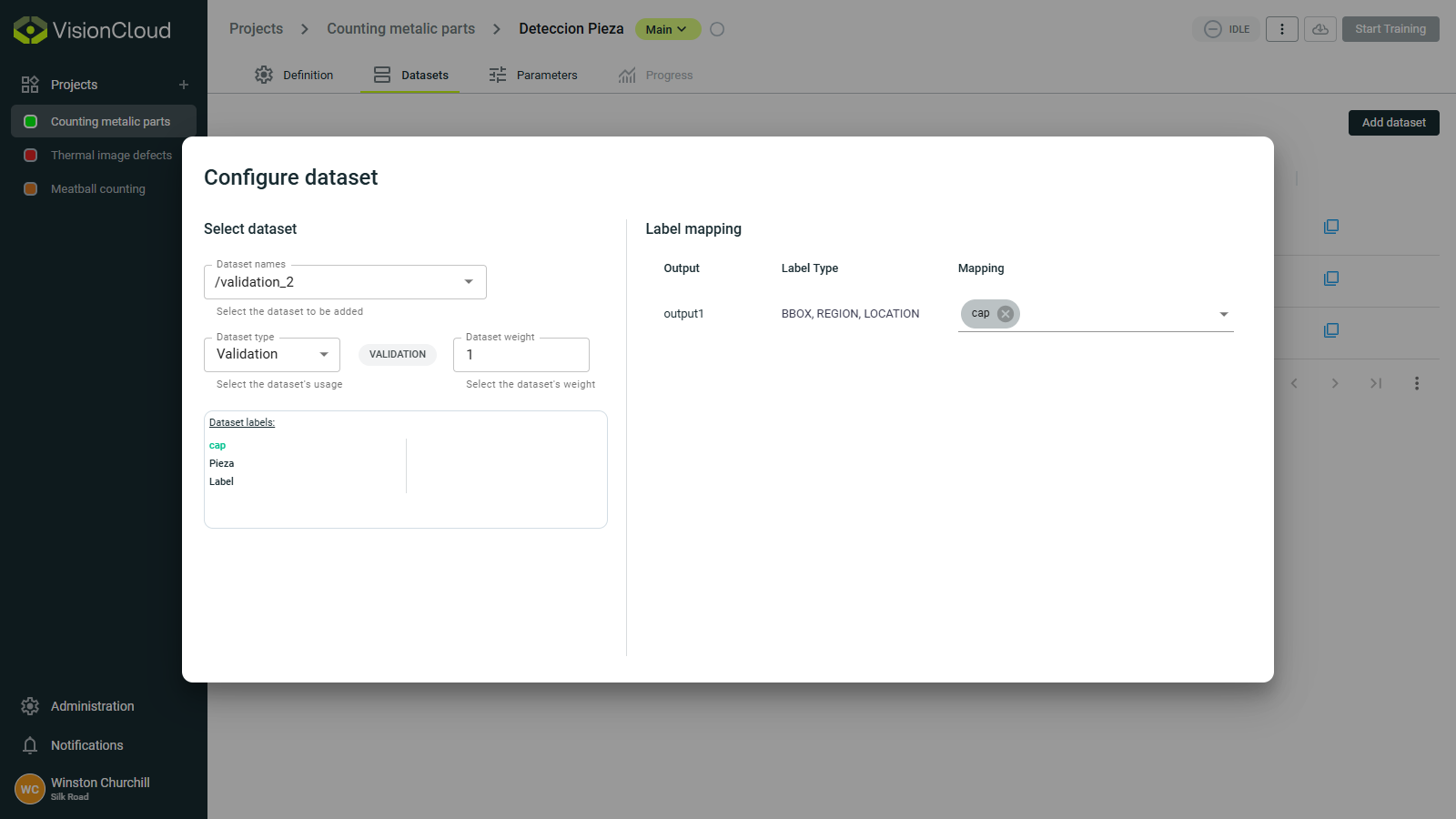
When adding a dataset, a helpful dialog lets you:
- Select an existing dataset from the project.
- Select the weight of the dataset in the training process.
- Map each label in the dataset to the model's outputs as defined in the Definition section.